Employee-Tracker
A command-line application to manage a company’s employee database, using Node.js, Inquirer, and MySQL.

## Table of Contents
## Description
A command-line application that dynamically updates and views a company's employee database.

This project was created so that a company can easily keep track of their employees, departments and roles. They will be able to easily interact with the information stored in the databses.
## Installation
It is important to have the following programs installed on your computer:
VS CodeNode.js
## License
https://opensource.org/licenses/MIT
To learn more about the mit license, click on the URL provided.
## Contributors
N/A
## Demonstration
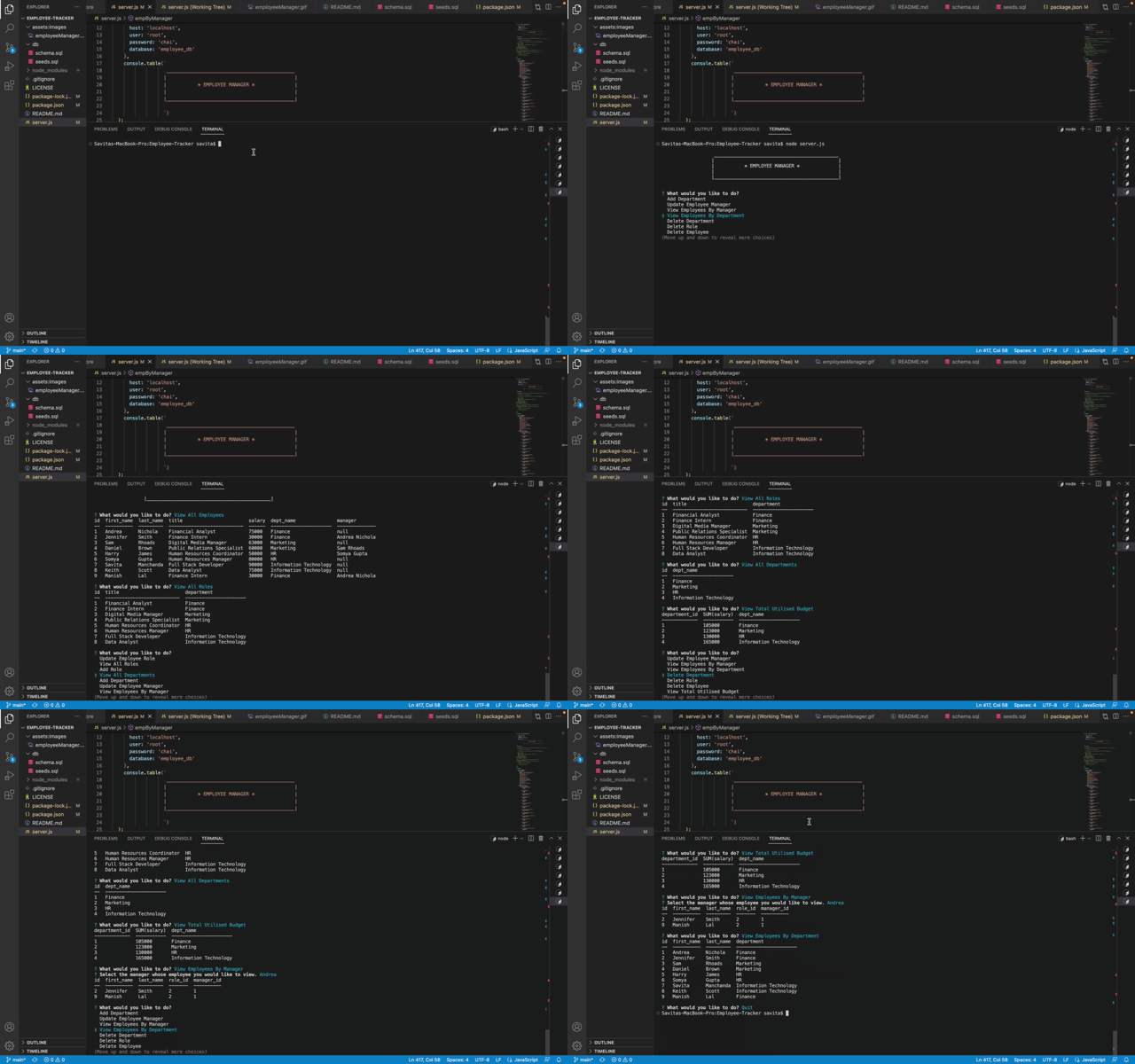
Watch this demo to view the instructions on how to use this Employee Manager.
## User Story
AS A business owner
I WANT to be able to view and manage the departments, roles, and employees in my company
SO THAT I can organize and plan my business
## Acceptance Criteria
GIVEN a command-line application that accepts user input
WHEN I start the application
THEN I am presented with the following options: view all departments, view all roles, view all employees, add a department, add a role, add an employee, and update an employee role
WHEN I choose to view all departments
THEN I am presented with a formatted table showing department names and department ids
WHEN I choose to view all roles
THEN I am presented with the job title, role id, the department that role belongs to, and the salary for that role
WHEN I choose to view all employees
THEN I am presented with a formatted table showing employee data, including employee ids, first names, last names, job titles, departments, salaries, and managers that the employees report to
WHEN I choose to add a department
THEN I am prompted to enter the name of the department and that department is added to the database
WHEN I choose to add a role
THEN I am prompted to enter the name, salary, and department for the role and that role is added to the database
WHEN I choose to add an employee
THEN I am prompted to enter the employee’s first name, last name, role, and manager, and that employee is added to the database
WHEN I choose to update an employee role
THEN I am prompted to select an employee to update and their new role and this information is updated in the database
## Questions
For any questions, Please reach out at:
- GitHub: http://github.com/savitamanchanda
- Email: manchandasavita3@gmail.com
## Links to the Deployed Application
-
The URL of the deployed application - https://savitamanchanda.github.io/Employee-Tracker/
-
The URL of the GitHub repository - https://github.com/savitamanchanda/Employee-Tracker